MWRCTV
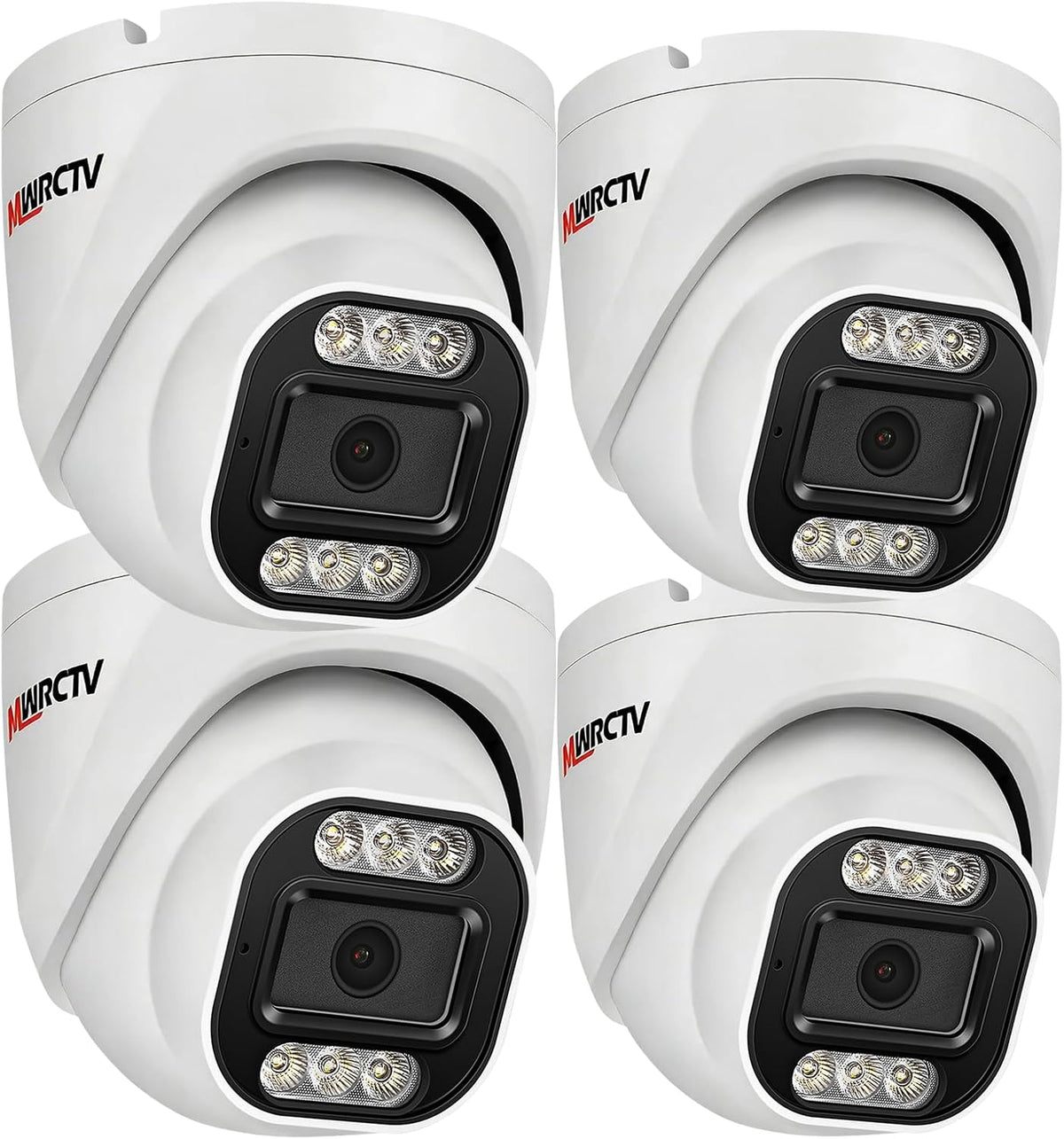
MWRCTV 4K Security Audio Dome Camera 8MP (2160P) Smart Dual Light PoE Turret AI Human Detection 2.8mm 106° Wide Angle Lens Color Night Vision Built-in Mic IP67 Waterproof Compatible with NVR(4pcs)
MWRCTV 4K Security Audio Dome Camera 8MP (2160P) Smart Dual Light PoE Turret AI Human Detection 2.8mm 106° Wide Angle Lens Color Night Vision Built-in Mic IP67 Waterproof Compatible with NVR(4pcs)
Couldn't load pickup availability
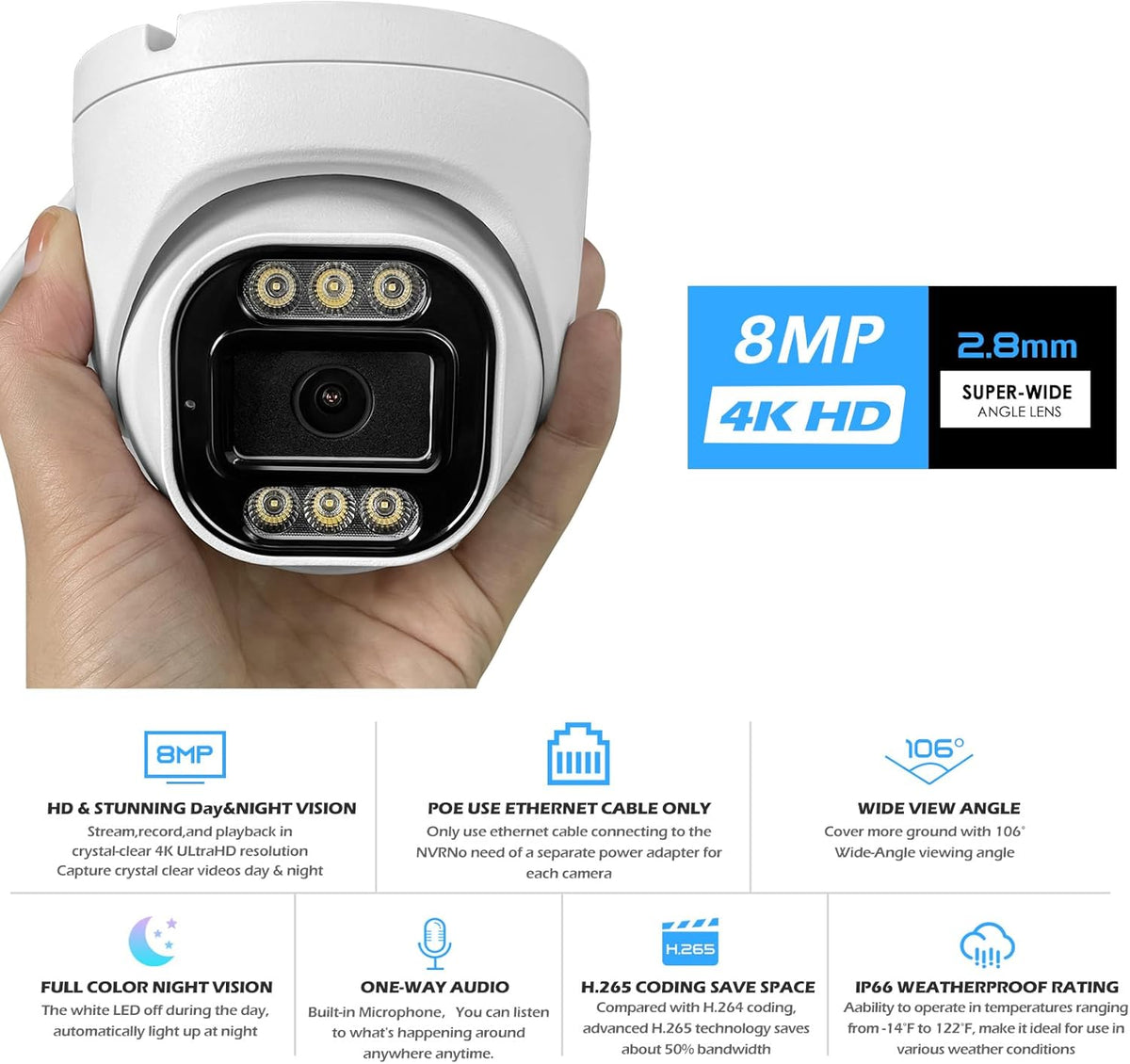
【Smart Color Night Vision】This PoE camera default Smart Color Night Vision mode:Infrared (IR) works normally at night. and the white light activates only when movement is detected. providing clear.full-color images during alerts. (IR and White supplement light range up to 60ft)
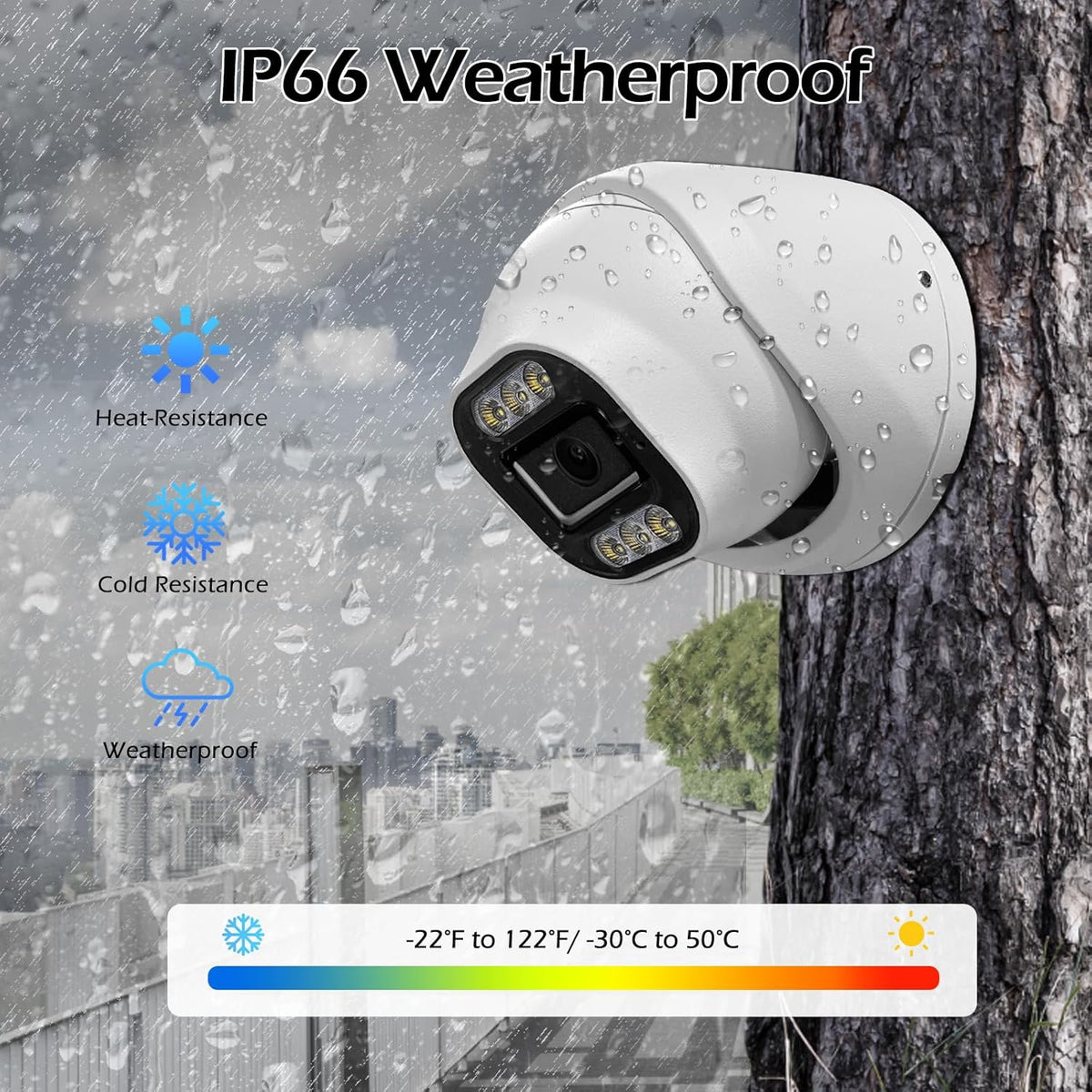
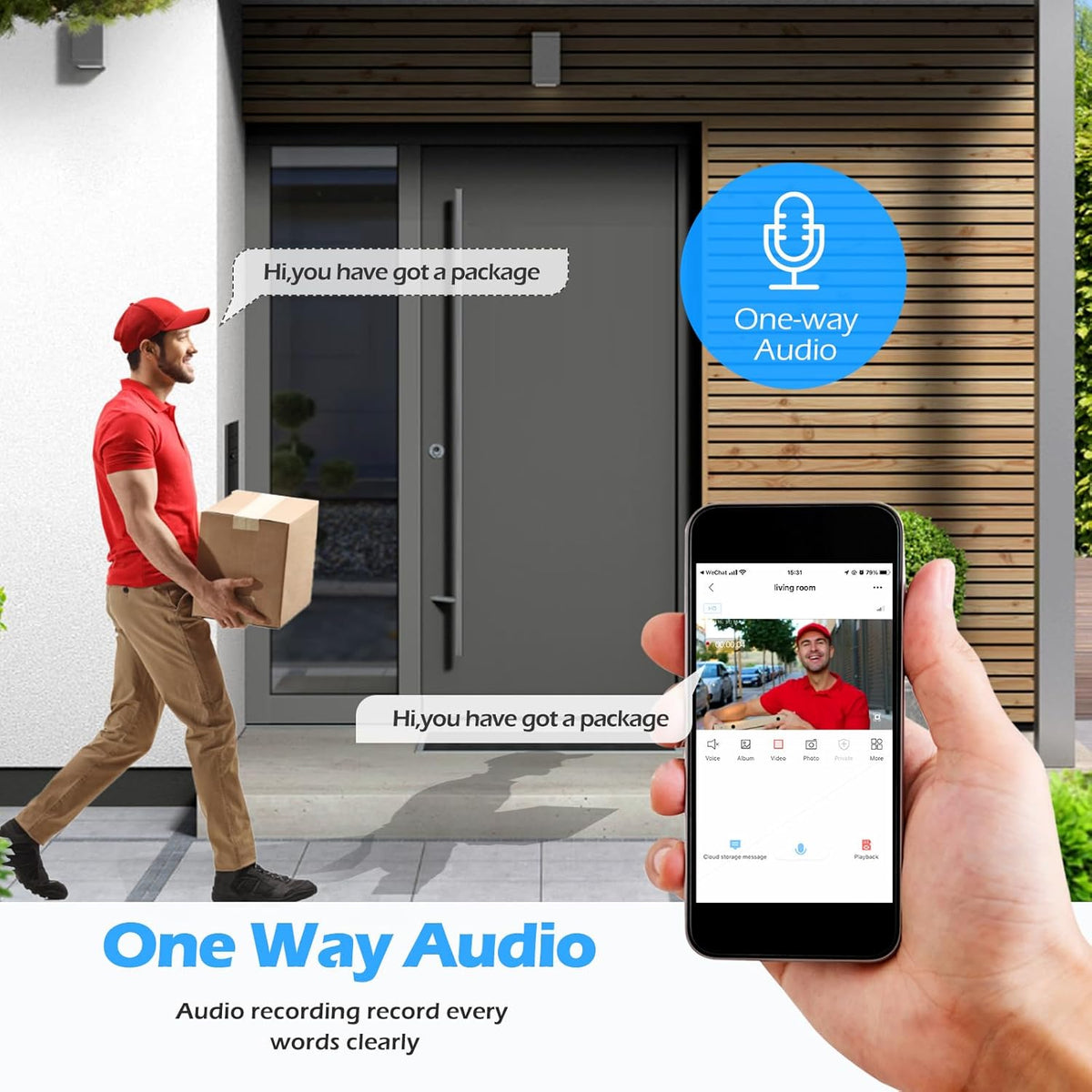
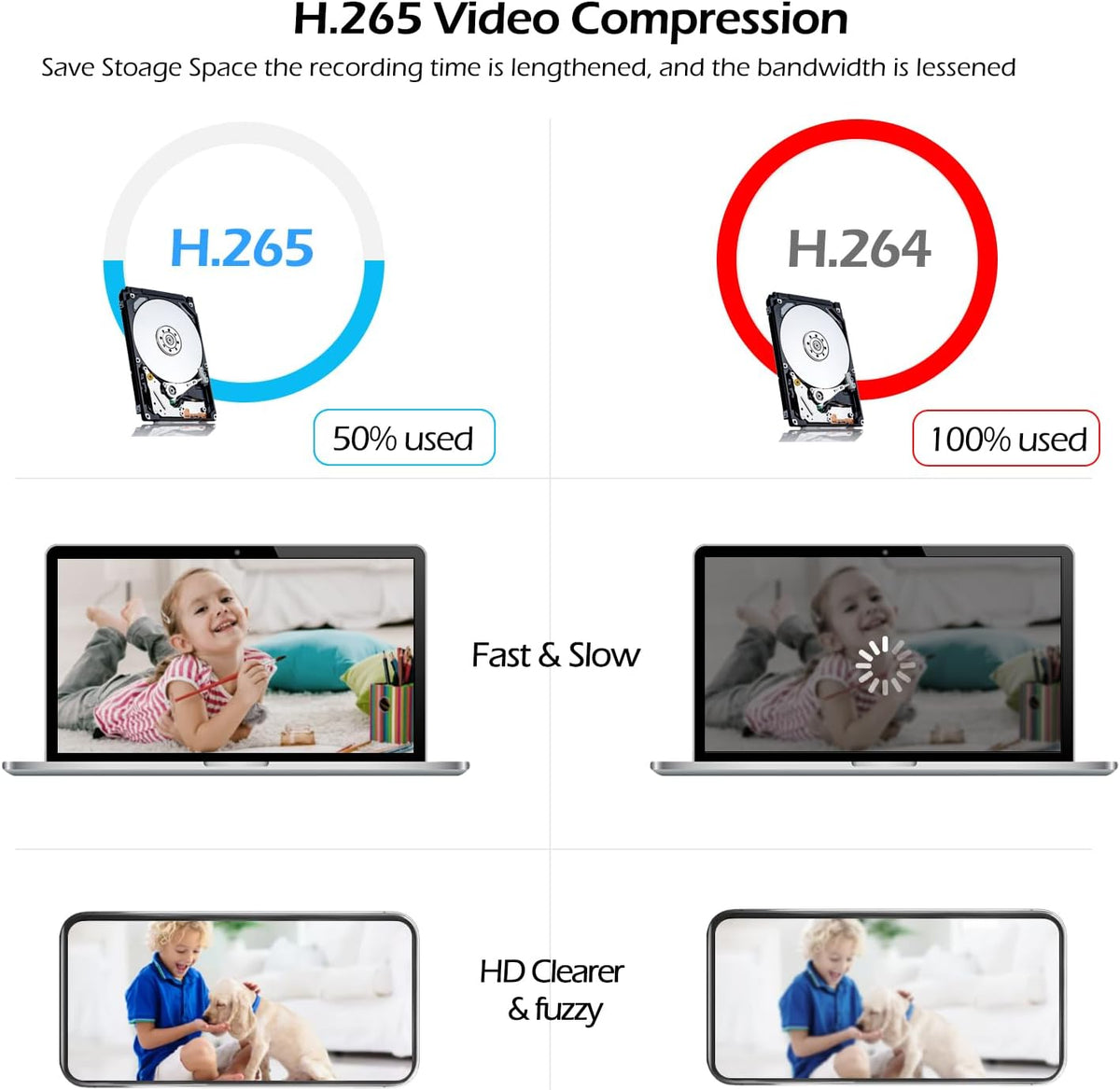
【IP66 Waterproof& One Way Audio& H.265 Coding】Full metal case for outdoor indoor applications. With a wide range in operating temperatures. it is designed to withstand extreme temperatures and protected from dust and rain.This 4K IP camera features a built-in microphone for real-time audio monitoring via your phone or NVR. with recording support for NVR or third-party software. The advanced H.265+ compression saves storage and bandwidth while delivering sharp 4K video.
【Camera Working & Power over Ethernet (PoE)】PoE (IEEE 802.3af )allows IP (internet protocol) devices to receive power and data over existing LAN (local area network) cabling. This eliminates the need to install a separate power cable. simplifies installation. and lowers cabling costs.(Note: Camera Not Support PTZ ) .Work with On/vif NVR & Third Party Software. Blue-Iris Etc
【Value-Packed 4-Camera】 Get greater security coverage at a value price – perfect for whole-home protection. Enjoy peace of mind with expanded monitoring! If you encounter any issues during use .Please Contact us anytime for support.
Is this PoE camera compatible with the third-part software/NVR?
Compatible with On-vif NVR .you can directly connect the camera to NVR POE port choose ON-Vif connection.And support third-part Software.Blue-Iris Etc.(The camera's IP has DHCP enabled by default).
Why NVR can't display camera image?
1.Enter the NVR device management menu.Remember to choose ON-V-IF protocols. find no image camera IP.delete and re-add.
2.Some NVR only support H264 format camera. please changeto H264 first.
3.Some NVR only work with it's brand security camera.
Why does the camera image not appear as clear as described?
When browsing images on NVR/PC. Usually default to the sub-stream to ensure smooth performance . To see the clearest image.You need to switch to the main stream.
Is this PoE camera compatible with the third-part software/NVR?
Why NVR can't display camera image?
Why does the camera image not appear as clear as described?
Share